 Encore
Your Mac. Your way.
One beautifully integrated experience for widgets, live activities, productivity and complete macOS customisation.
Dynamic Island
The notch, put to work.
Closed, it is black and out of the way. Click, and it opens from black into glass: the player you know from the iPhone, and your tools one click further.
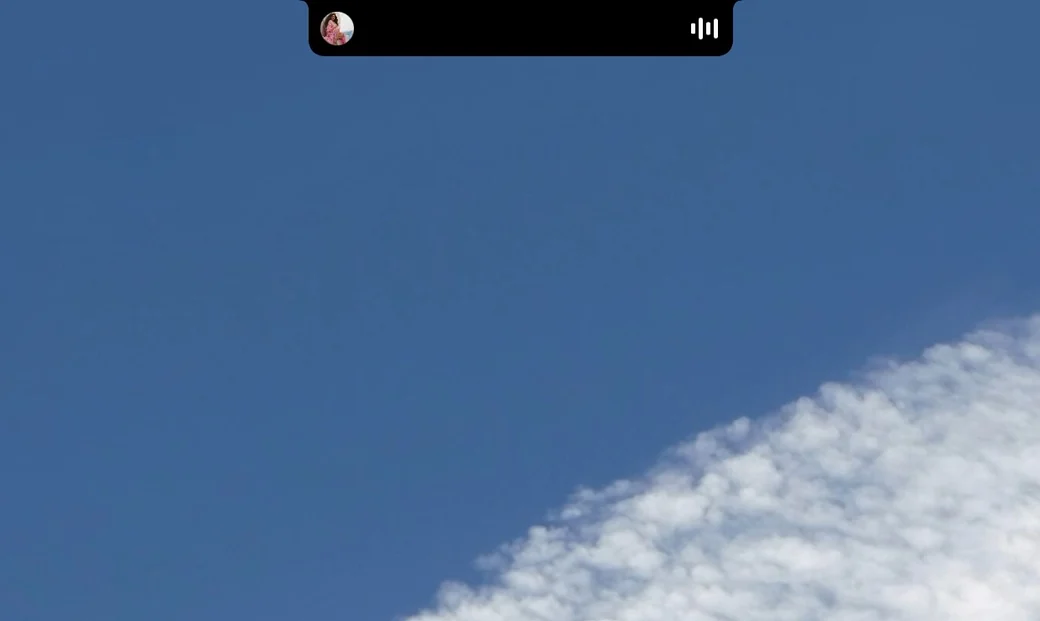
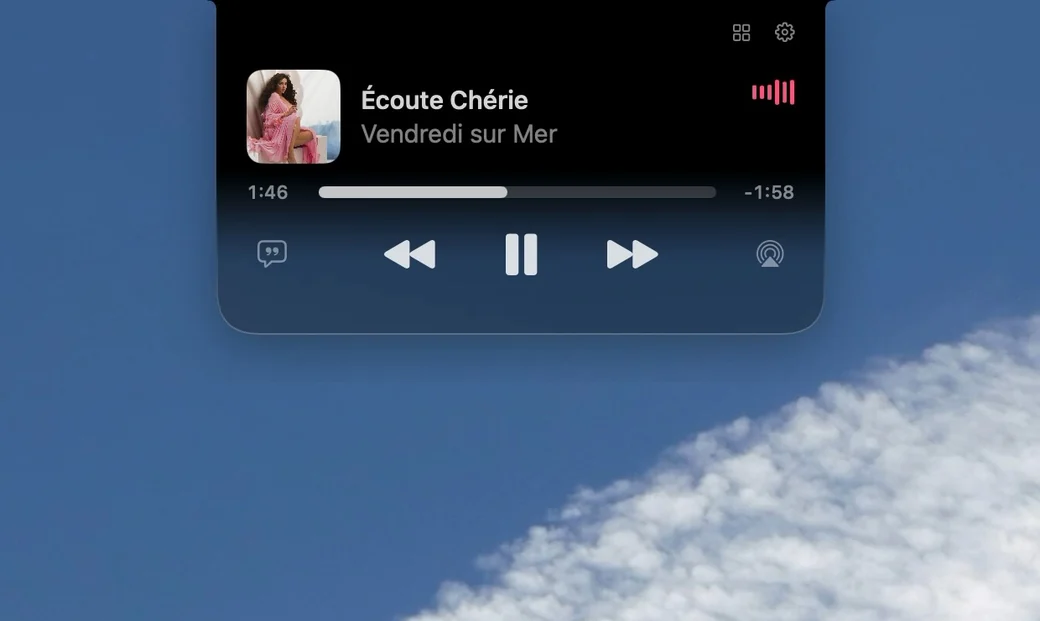
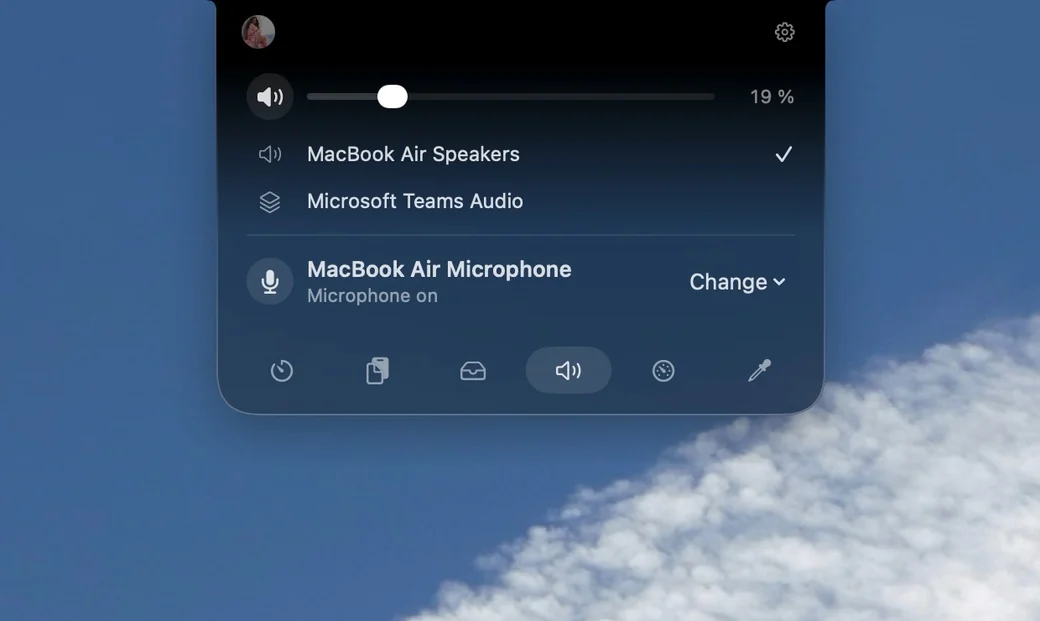
Timers and stopwatch, music, focus sessions, screen recording, calendar events, flights you enter, downloads, file conversion, and a shelf for files. Encore shows what macOS lets an app see; phone calls and AirDrop are not among it.
Music
Your music, even when the Mac is locked.
It starts as a compact player. Click the cover and it takes over the whole lock screen. Click again for the lyrics, line by line.
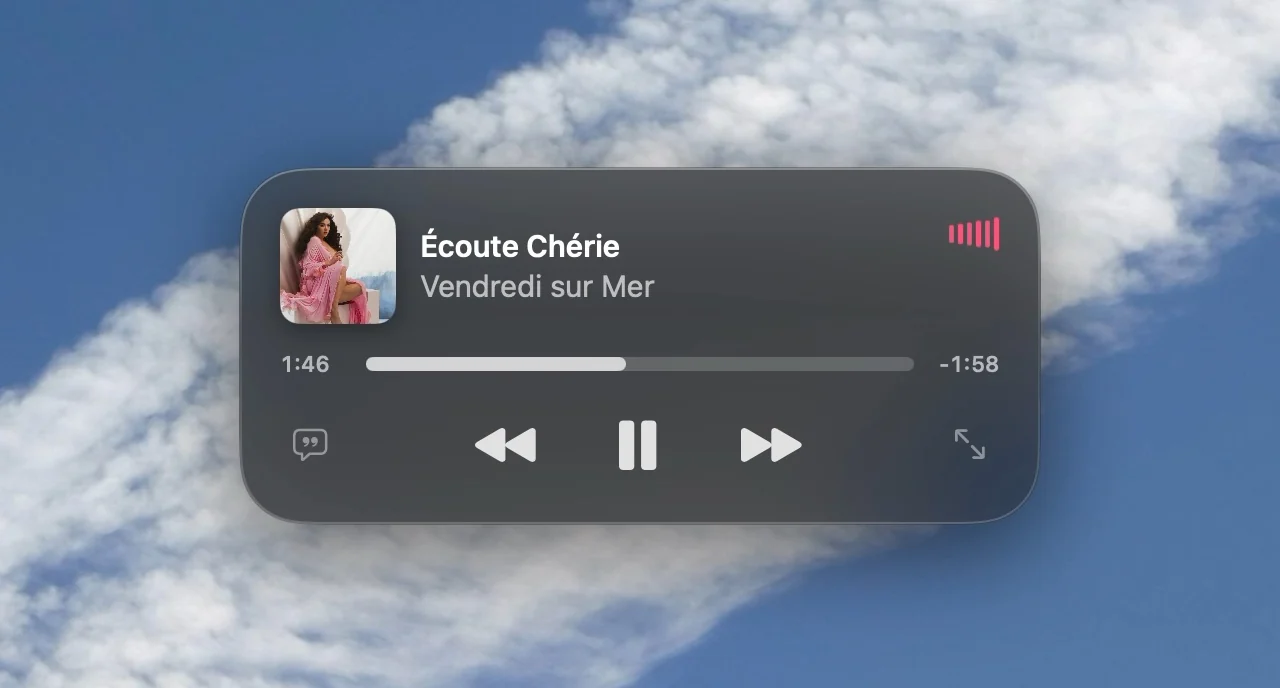
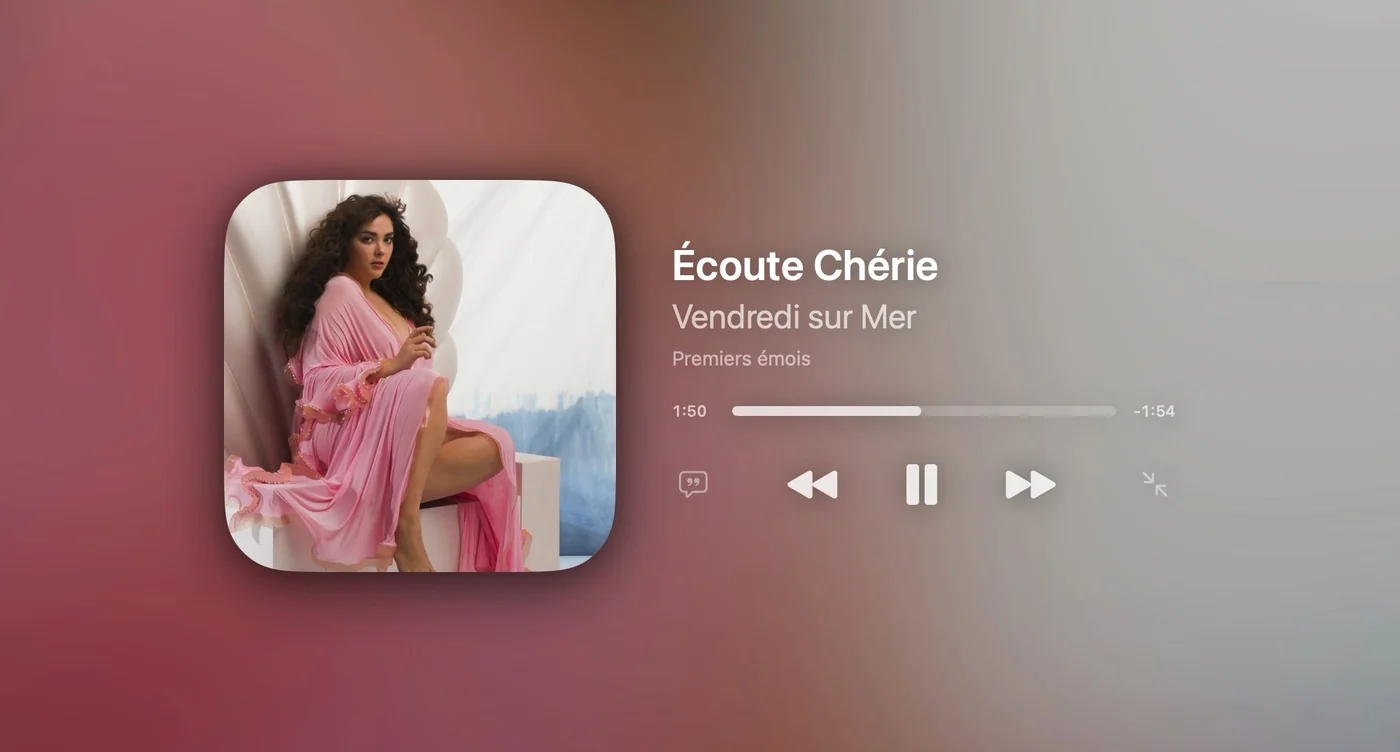
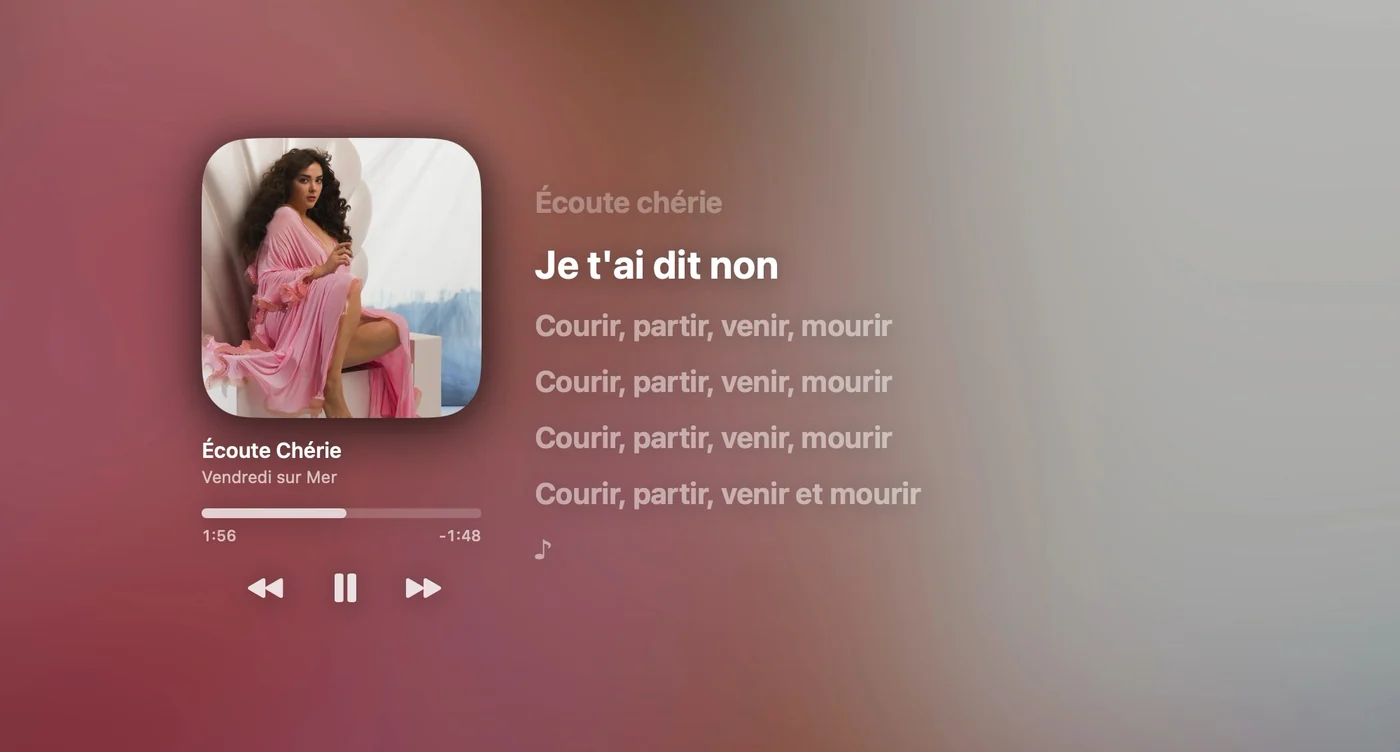
Recorded with Spotify playing, the screen unlocked and Encore told it is locked: macOS lets nothing record the real lock screen. Works with the Spotify app; synced lyrics come from LRCLIB when it has them. macOS has no lock screen slot for apps, so this relies on an interface Apple doesn't document and may stop working after a macOS update.
Arranged by you
Every element, where you want it.
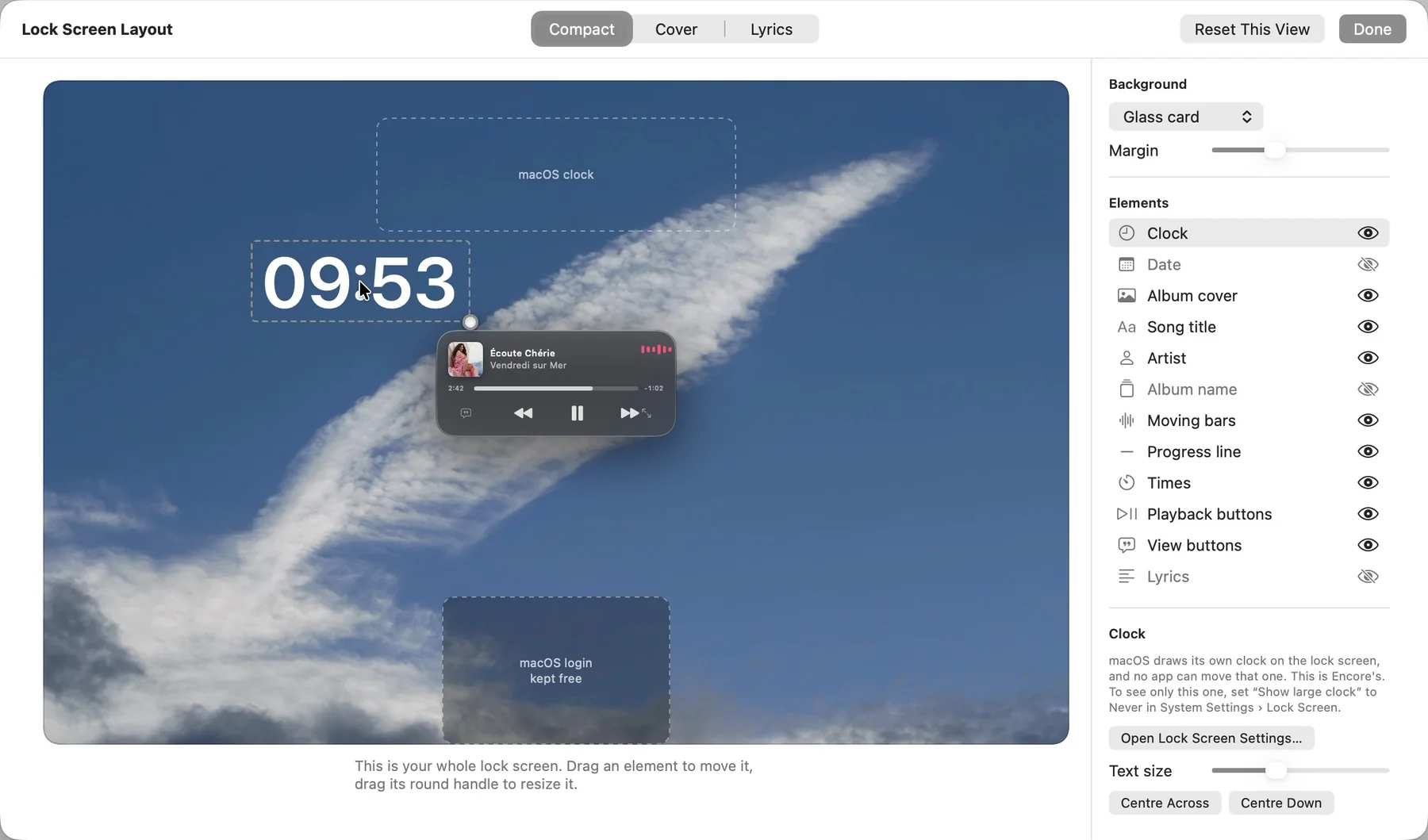
The editor shows your whole lock screen. Drag the cover, the names, the line, the buttons and the lyrics anywhere, resize them, or hide them, separately for each of the three views.
- The compact player moves as one piece. Drag it anywhere; one click puts it back.
- Several at once. Draw a rectangle around elements and move them together; lines show when something lines up.
- A clock and a date of Encore's own, as large as you like, where you like.
- The login field stays free. Nothing can be put on it.
- One click back to Encore's arrangement, view by view.
macOS draws its own clock on the lock screen and no app can move that one; you can switch it off in System Settings and use Encore's.
Presets
17 desktops, each built around a picture.
A wallpaper, a few widgets where the picture is calm, and colours taken from it. Try one, undo it, or go back to your own setup with one click.
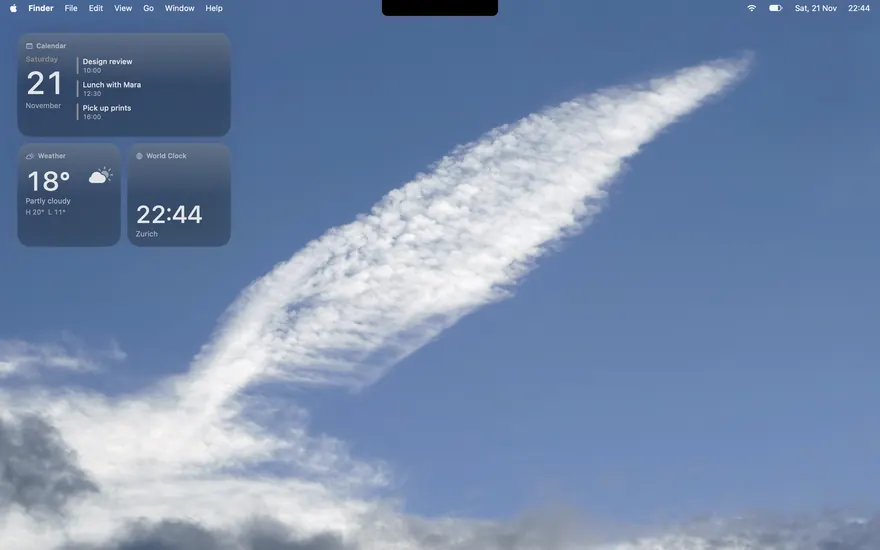
Clear Sky
One cloud on a blue sky; plain macOS glass.
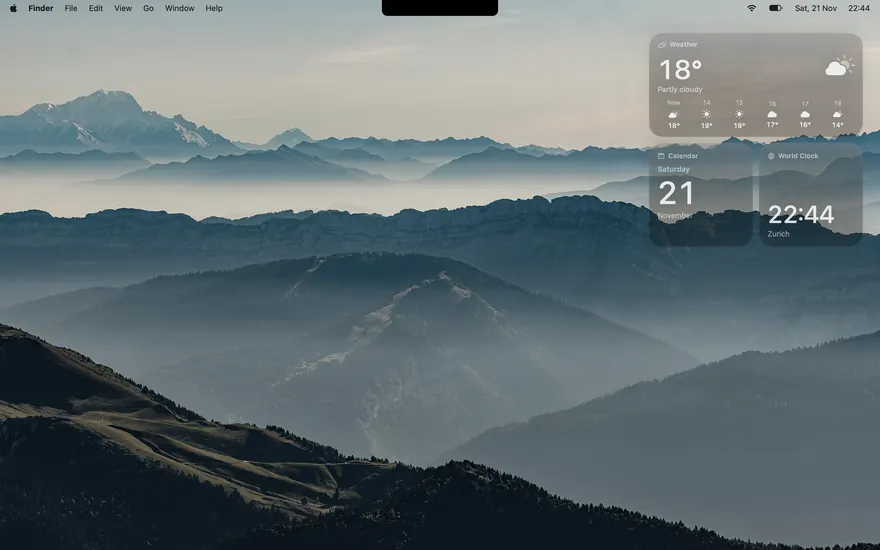
Ridgeline
Blue ridges in morning haze, plain glass.
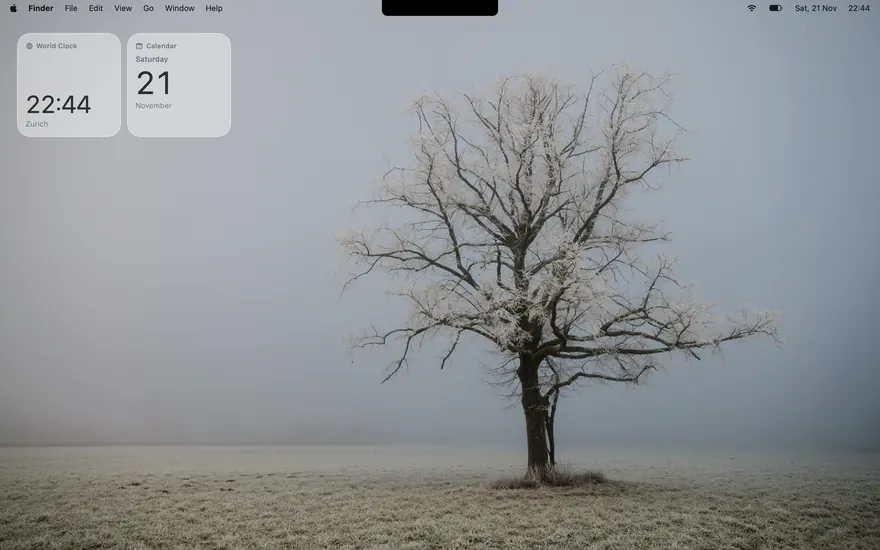
Solitude
A lone tree in fog, and very little else.
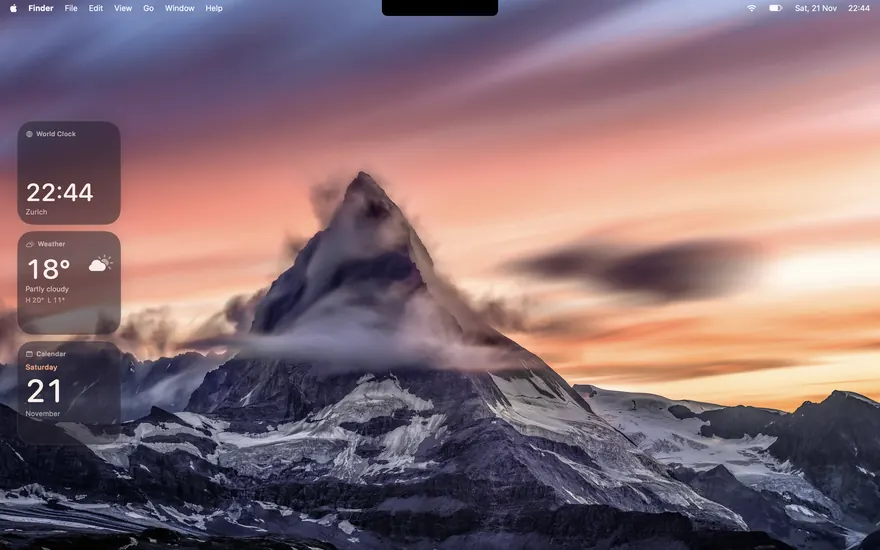
Alpenglow
The Matterhorn at sunset, in plum and coral.
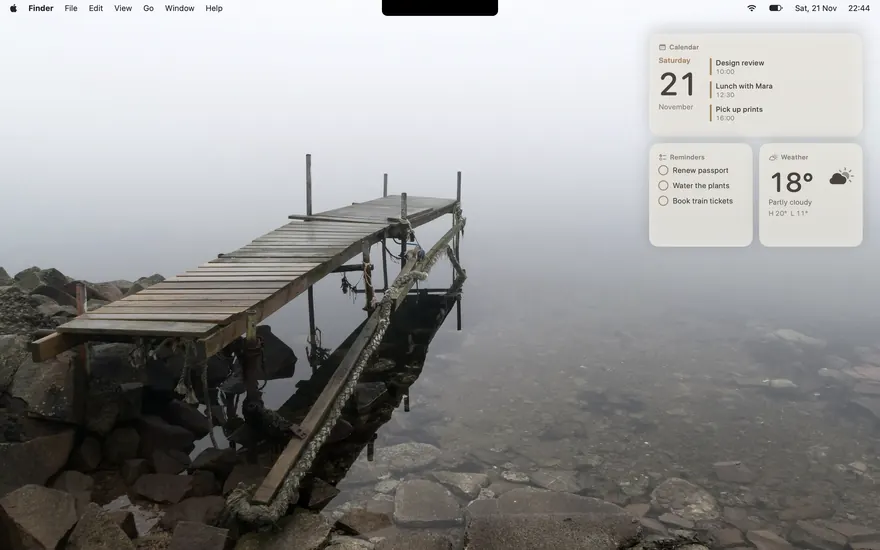
Still Water
A jetty in fog, in warm neutral tones.
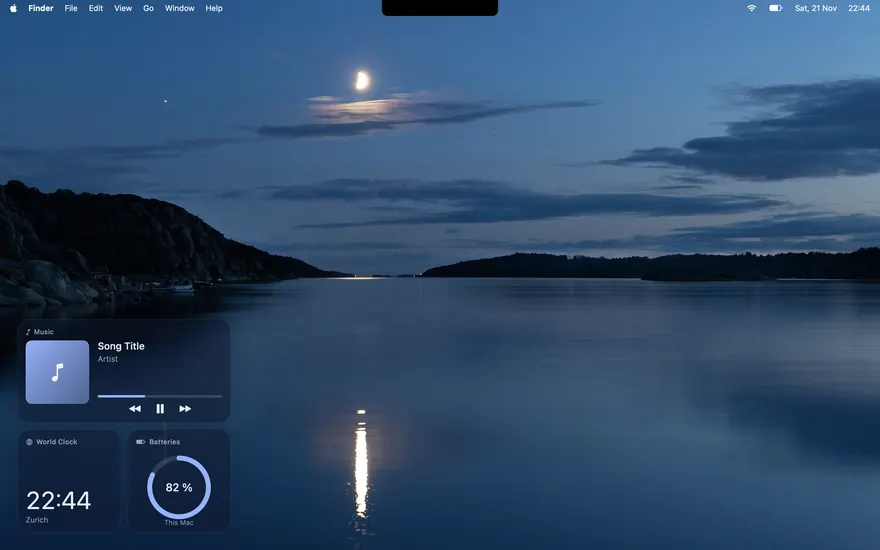
Blue Hour
A half moon over still water, deep navy.
Make it yours
Set it once. It applies everywhere.
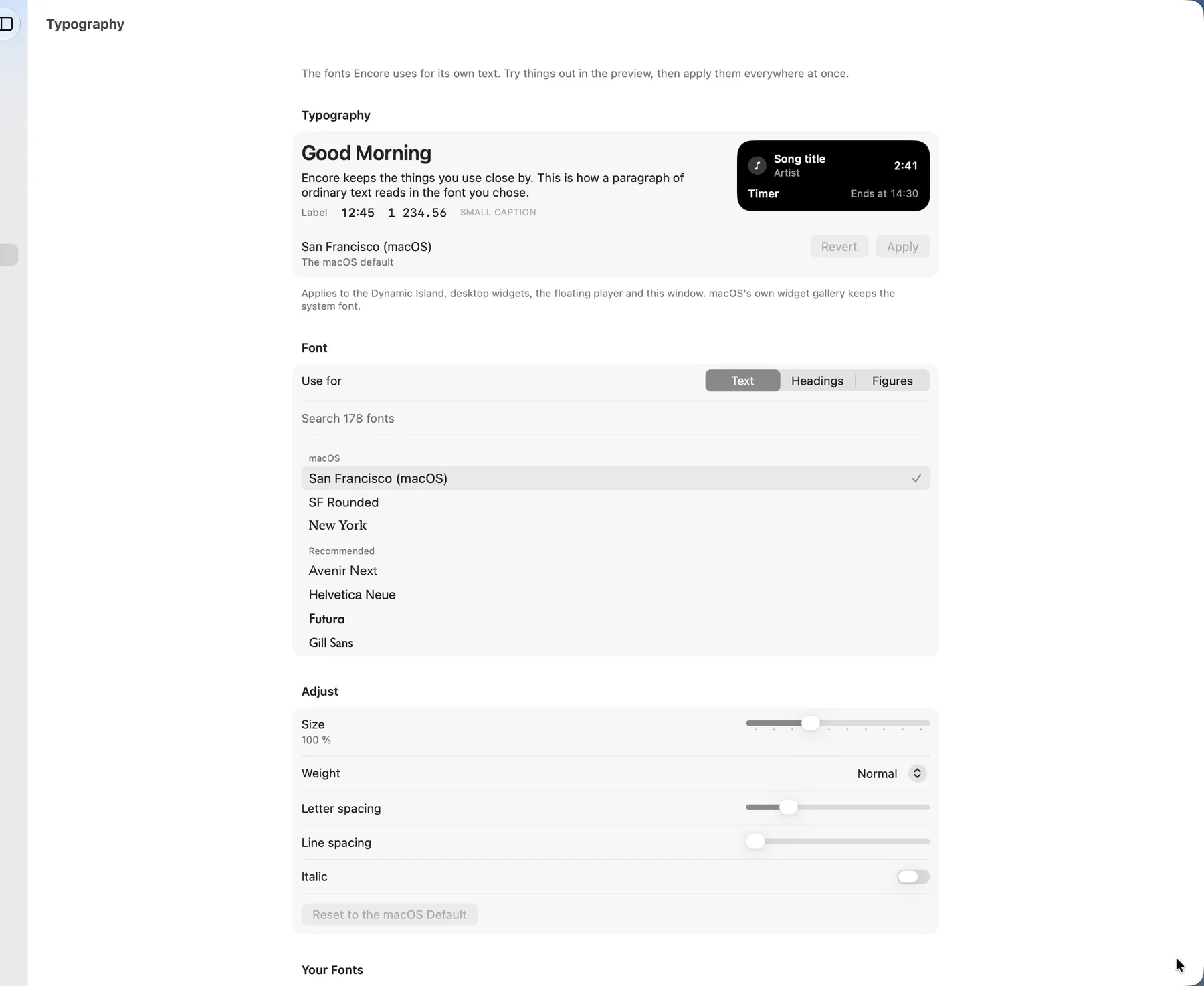
One place for fonts, one for the look. The island, the widgets and the player follow.
- Fonts. Any font on your Mac, or a file you import, with size, weight and spacing.
- Liquid Glass. How much glass, blur, depth, reflections, rim and shadow the open island has.
- Absolute Minimalism. Everything shrinks to small circles until you need it.
Everyday tools
The small things, in one place.
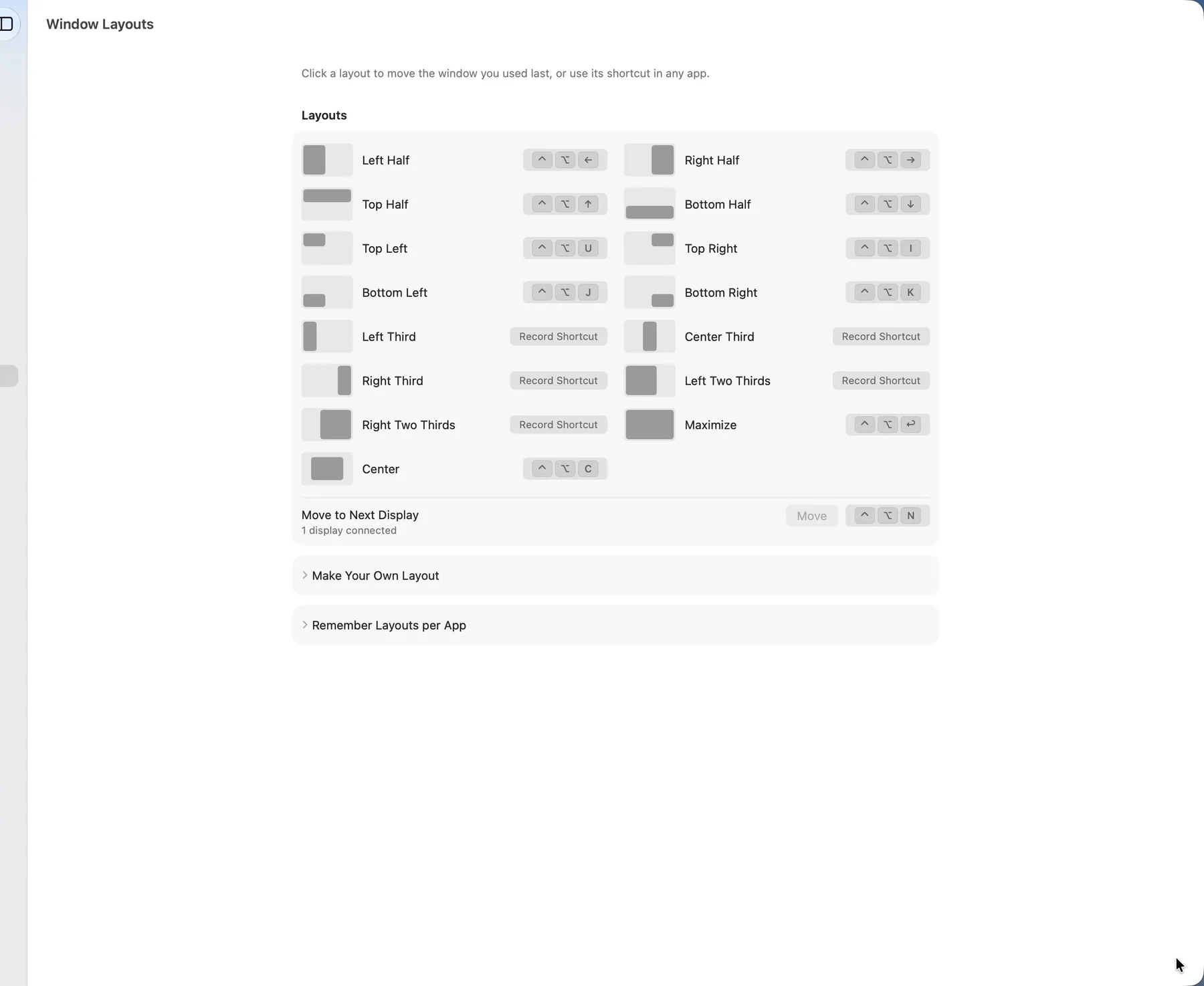
- Window layouts. Halves, thirds and your own, by shortcut.
- A tidier menu bar. Icons you don't need leave it; macOS keeps them one click away.
- Encore Unlock. Touch ID, or your Mac's password, before Encore's window opens.
- Volume per app. Turn one app down without touching the rest.
- Clipboard history. Kept on your Mac, searchable.
- Screenshots and recordings. With a small editor for arrows and notes.
- Convert files, focus timer, search. Without opening another app.
- Updates inside Encore. It tells you when there is a new version and installs it for you.
Meet Encore.
For macOS 15 or later on a Mac with Apple silicon. Free for 7 days, then US$2, once.