 Encore
Presets
17 desktops.
Each starts from one picture that is free to use, places a few widgets where the picture is calm, and takes its colours from it.
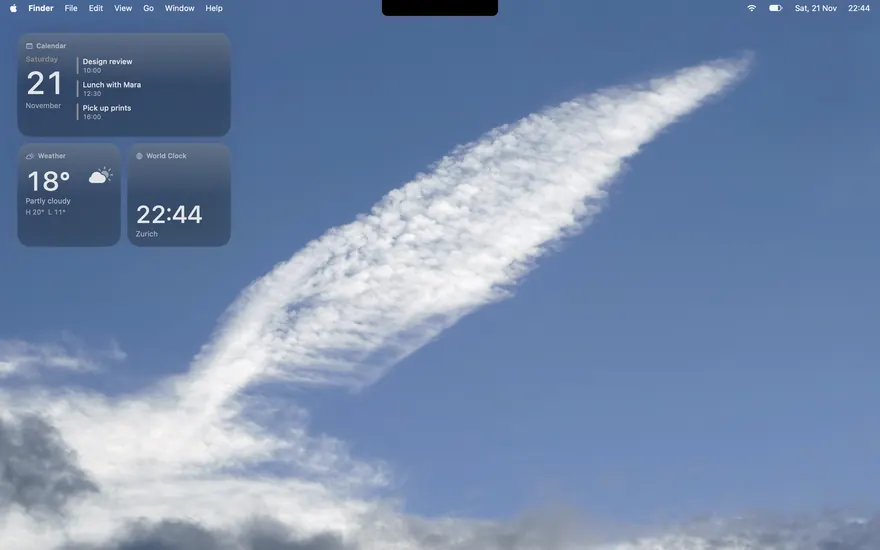
Clear Sky
One cloud on a blue sky; plain macOS glass.
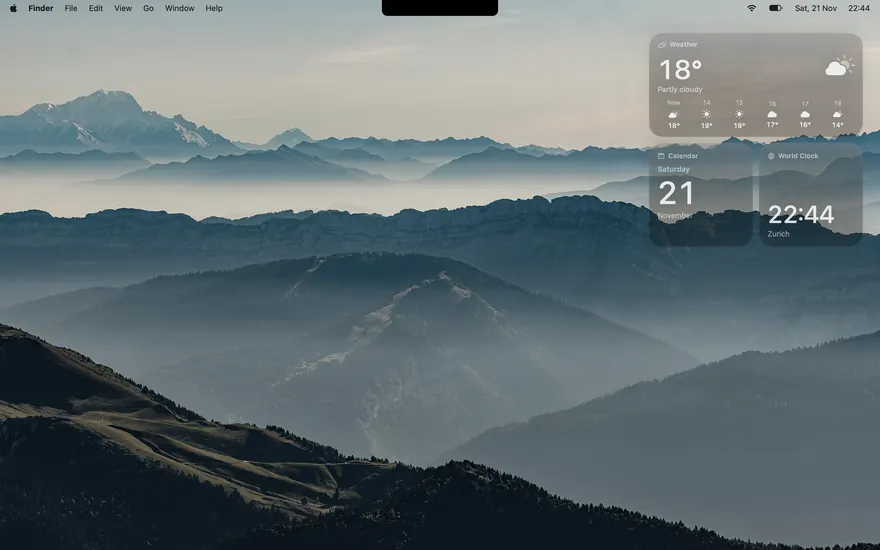
Ridgeline
Blue ridges in morning haze, plain glass.
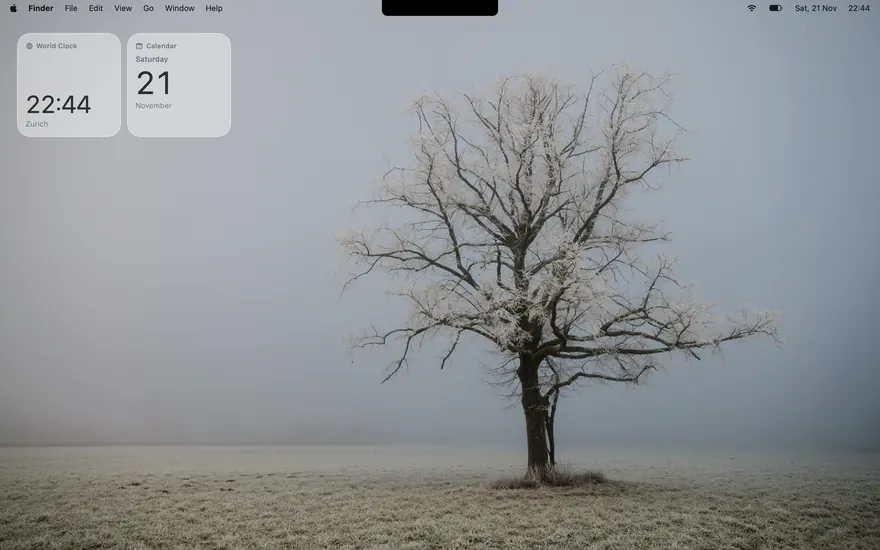
Solitude
A lone tree in fog, and very little else.
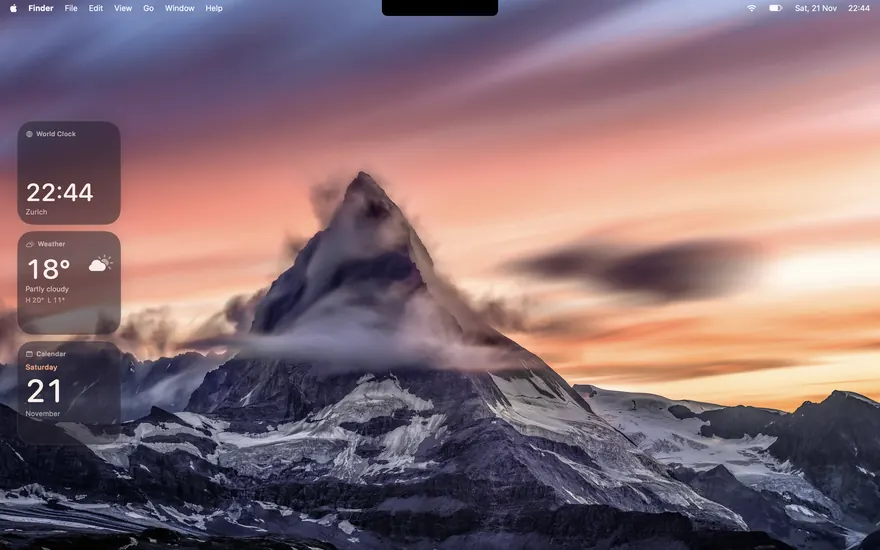
Alpenglow
The Matterhorn at sunset, in plum and coral.
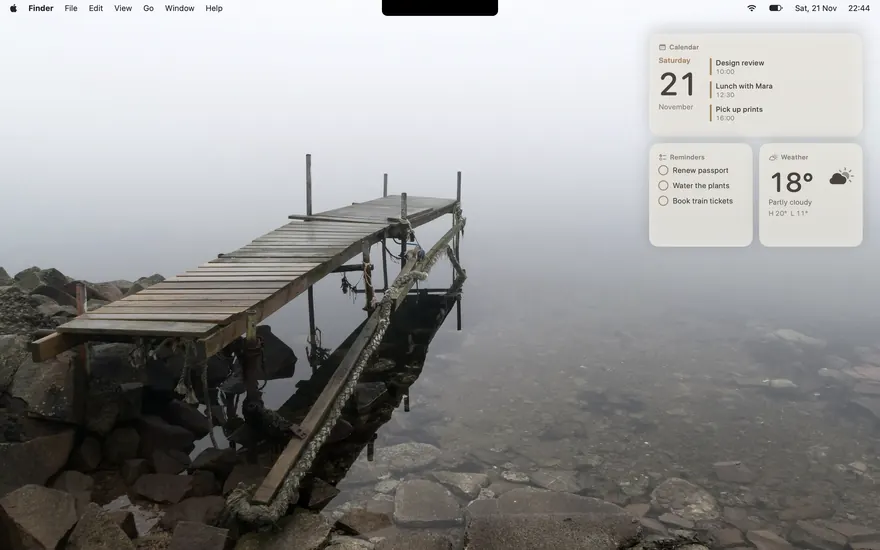
Still Water
A jetty in fog, in warm neutral tones.
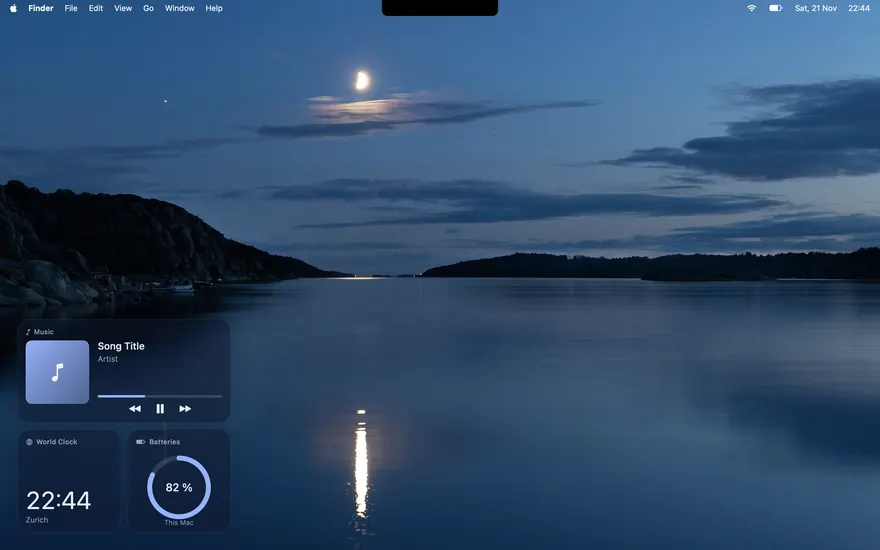
Blue Hour
A half moon over still water, deep navy.
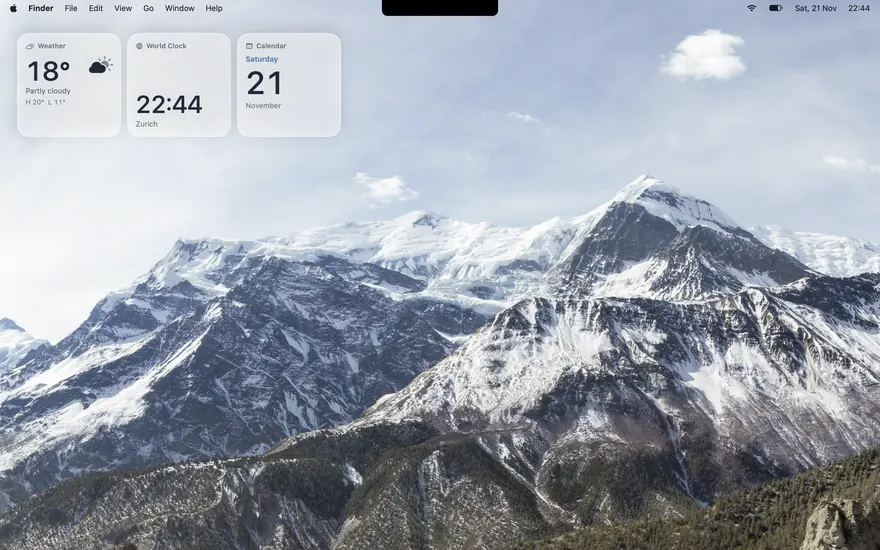
Annapurna
Himalayan snow under a wide, pale sky.
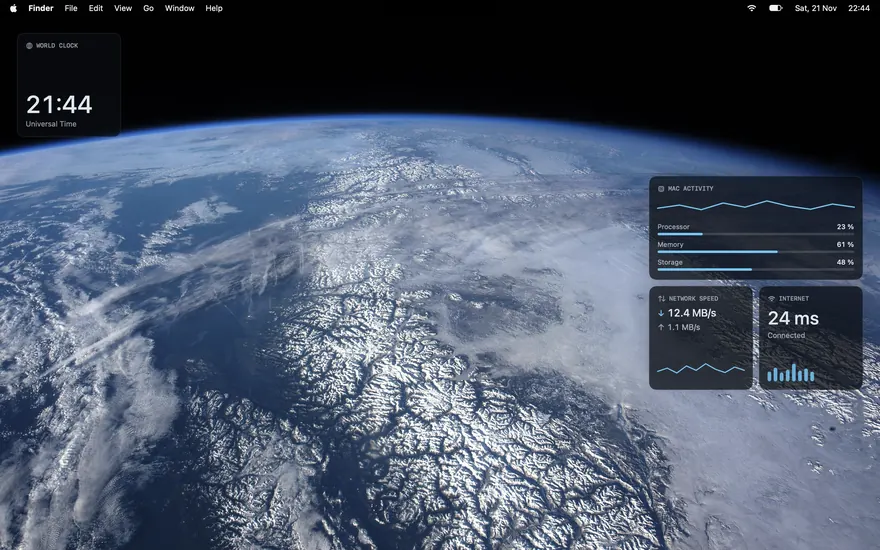
Orbit
The Earth from the Space Station, with this Mac's vital signs.
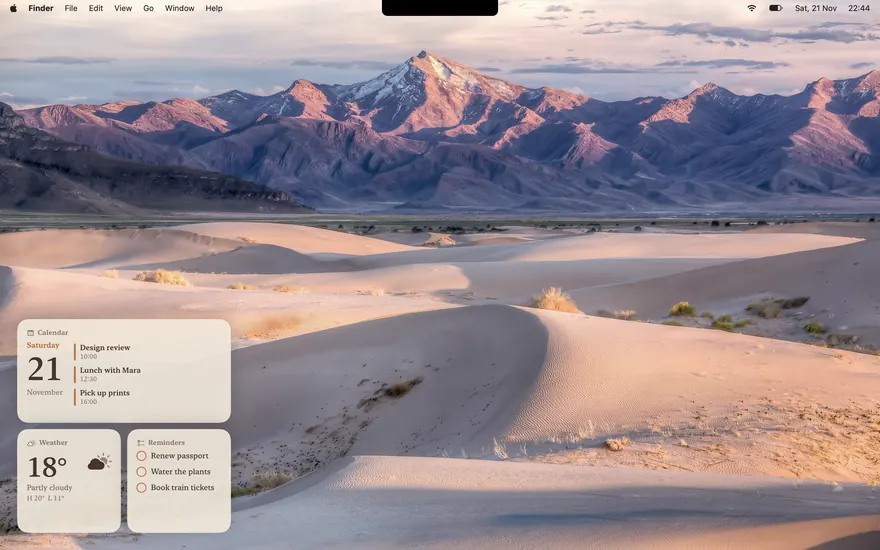
Dune
Sand in evening light, warm paper and serif type.
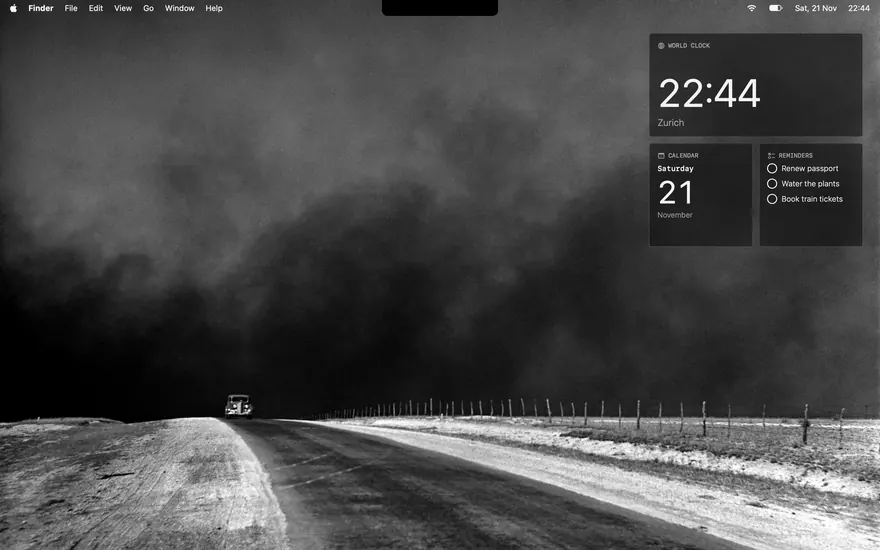
Dust Road
A 1936 photograph in black and white; nothing but greys.
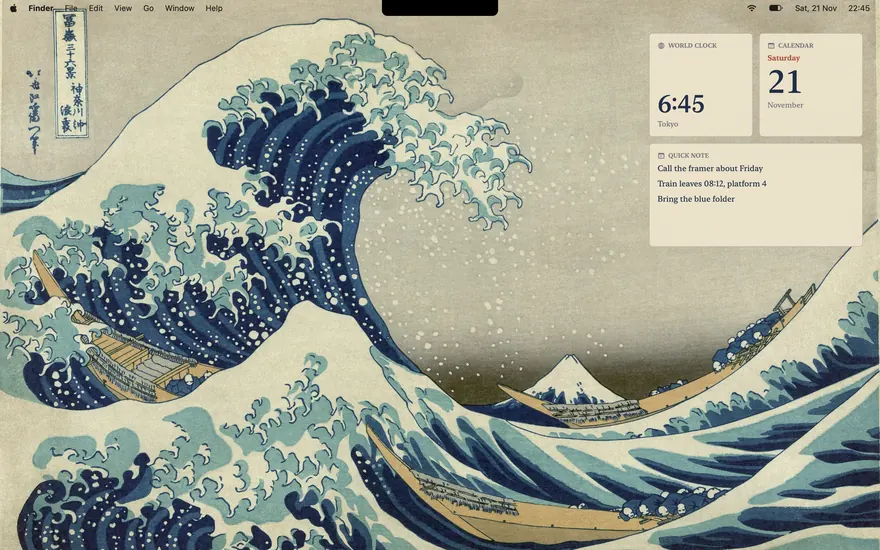
Great Wave
Hokusai's print, with paper cards in indigo.
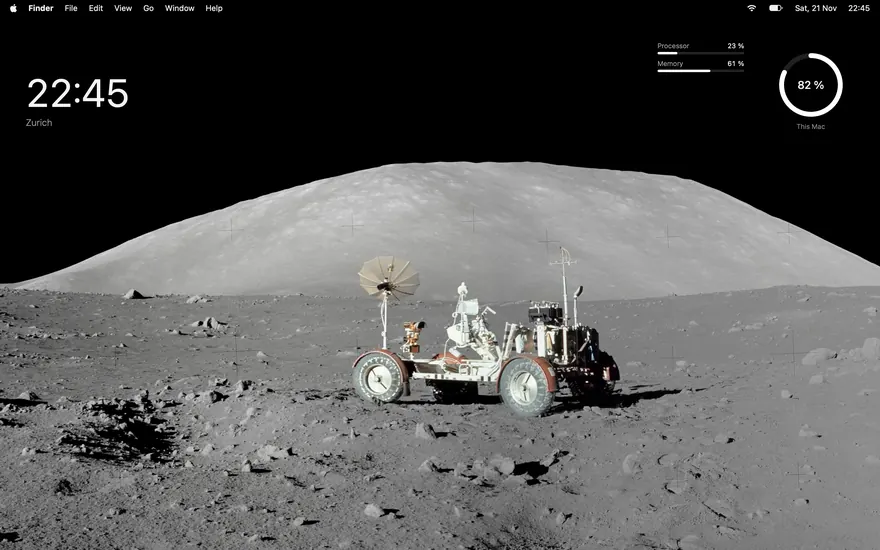
Tranquility
The Moon in black and white; figures with no surface at all.
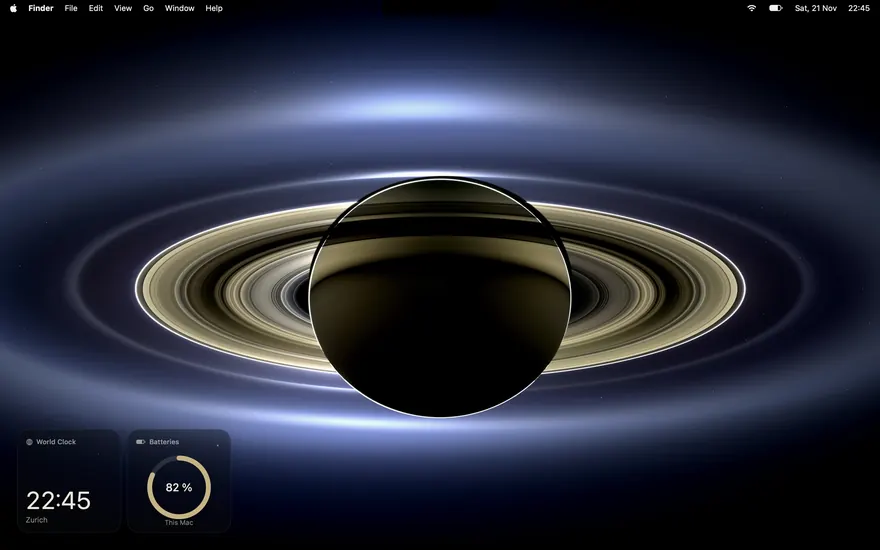
Saturn
Saturn against the Sun; black, with a little gold.
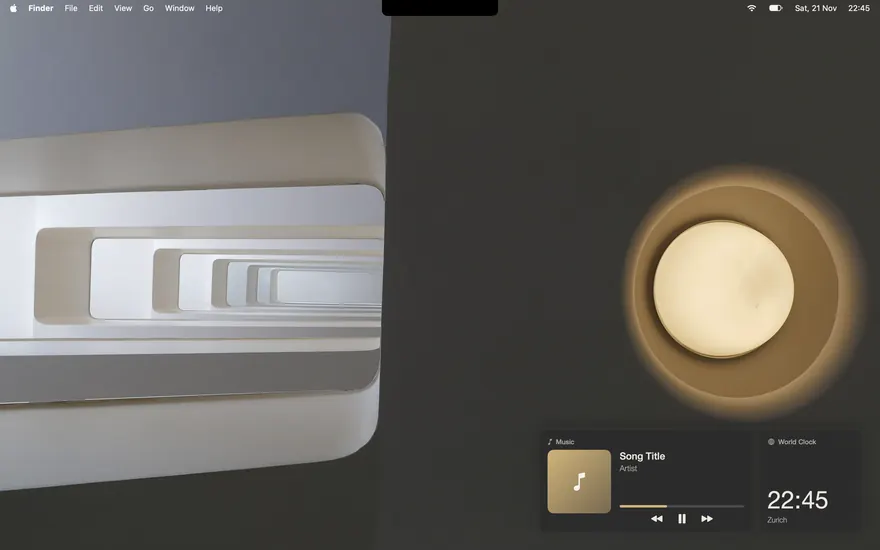
Atelier
A modernist staircase and one lamp, charcoal and brass.
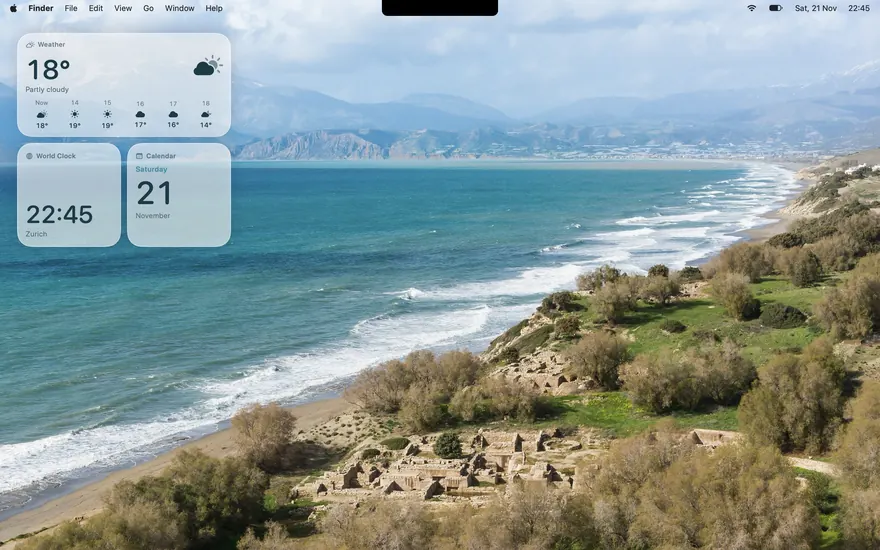
Coast
Turquoise water off Crete, light and airy.
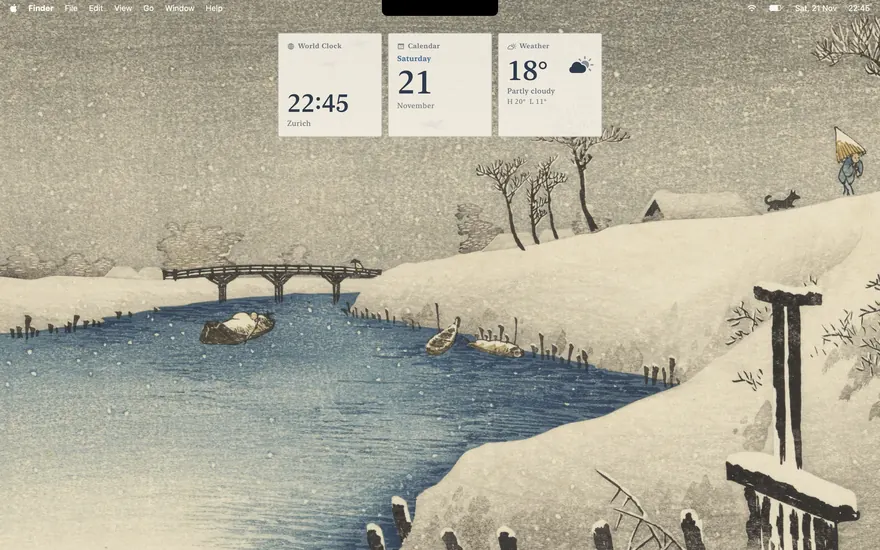
First Snow
A Japanese winter print, with a row of paper cards.
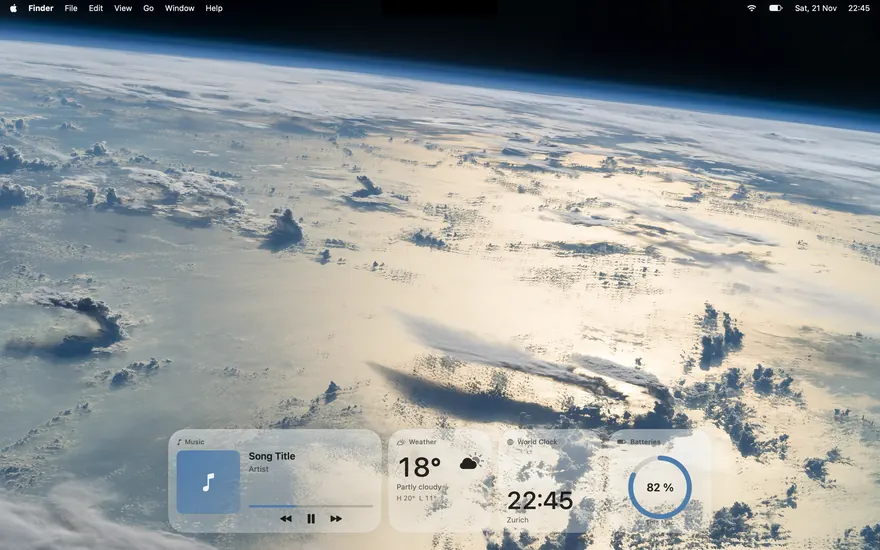
Stratus
Clouds from orbit under a row of clear glass.
No preset matches.
Safe to try
Before your first preset, Encore saves your setup: widgets, their look, fonts, the island's look and your wallpaper. Restore Original Setup brings it back at any time.
One step back
Undo returns to what you had before the last preset. A short list remembers the ones you used lately.
Yours to change
Apply only the parts you want. Save your own desktop as a preset, export it as a file, import one from a friend.
macOS lets an app change the wallpaper of the desktop you are looking at, not of your other Spaces. A moving wallpaper can't be set by an app, so Encore tells you if yours would have to be chosen again by hand.